

Fact sheet
- Name
- CalcOwlator: List Calculator
- Subtitle
- Budgets, bills & smart totals
- Developer
- Raiyan Asaral, independent developer, Zamboanga City, Philippines
- Platform
- iPhone, iOS 18 or later
- Price
- Free, with an optional in-app purchase, CalcOwlator Pro (monthly or yearly subscription, or one-time purchase)
- Category
- Finance; also Productivity
- Status
- Coming soon to the App Store
- Website
- calcowlator.raiyanasaral.com
- Press contact
- calcowlator@
raiyanasaral.com
In one line
A list calculator for iPhone where every number has a name, every total shows how it was reached, and a budget can roll into next month.
In a paragraph
CalcOwlator is a calculator that keeps its work. Write a list, give each line an amount, and the totals keep themselves right, section by section and month after month. Tap any total to see exactly how it was worked out. Type a list like a note, or scan a receipt and the items come in, checked against its printed total, all read on the iPhone with on-device text recognition. Send money from a budget to a savings goal, keep track of cards and their statements, and see your budget in a widget. Start next month from the list’s menu with what’s left carried over. It does its sums in exact decimals, works fully offline, needs no account and collects no data.
Things worth knowing
- Trace. Any worked-out row can show every row that feeds it, so no total is a mystery.
- Links by row, not by position. A row like Left over reads other rows directly, so renaming or reordering never breaks it.
- Exact decimals. 1,977.075 rounds to 1,977.08, not 1,977.07, because nothing is stored in binary floating point.
- Private by design. Lists stay on the iPhone, or in the user’s own iCloud with sync. No analytics, ads or bank connections.
- The owl. The mascot is the Percent owl: its face is a % sign, with one eye high, one eye low and an amber slash for a beak.
Downloads



- The icons, the owl and the screenshots, as one ZIPZIP, 3.0 MB
- App icon, lightPNG, 1024 × 1024
- App icon, darkPNG, 1024 × 1024
- The Percent owlSVG
- Screenshot: October BudgetPNG, 1206 × 2622
- Screenshot: October Budget, dark modePNG, 1206 × 2622
- Screenshot: what feeds Left overPNG, 1206 × 2622
- Screenshot: what feeds Left over, dark modePNG, 1206 × 2622
- Screenshot: the row editor and keypadPNG, 1206 × 2622
- Screenshot: starting next month with carry-overPNG, 1206 × 2622
- Screenshot: a savings goal with a transferPNG, 1206 × 2622
- Screenshot: a credit card statementPNG, 1206 × 2622
- Screenshot: the lists homePNG, 1206 × 2622
- Screenshot: the Left this month widgetPNG, 580 × 600
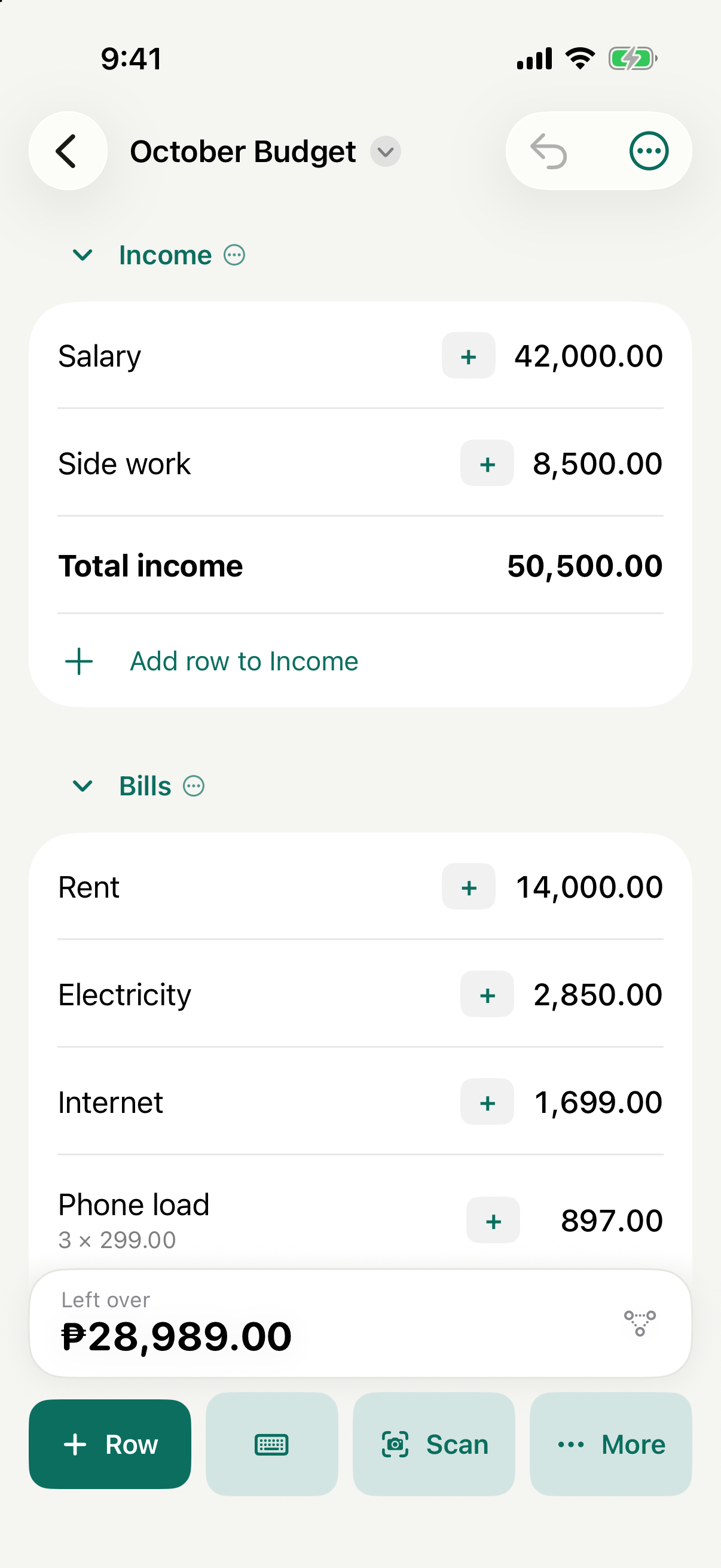
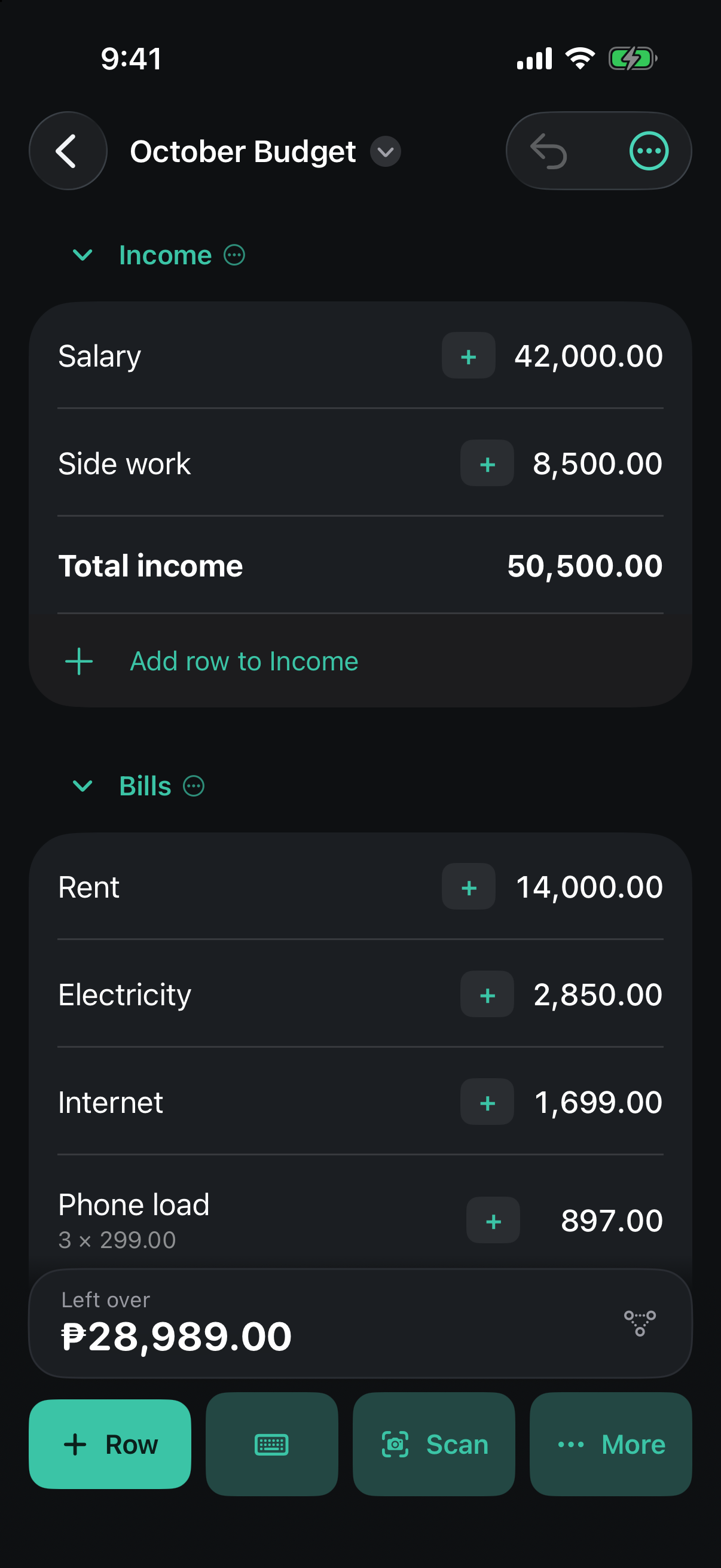
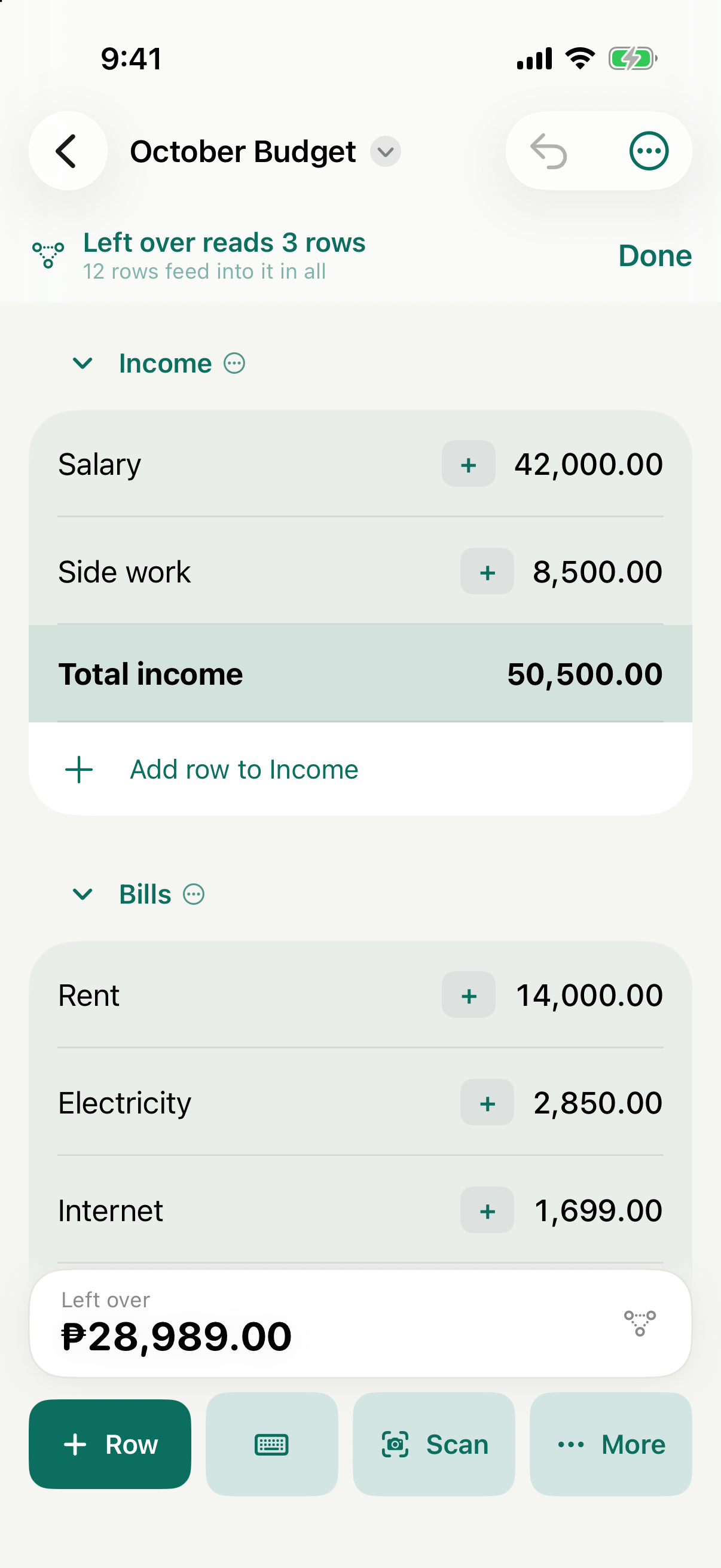
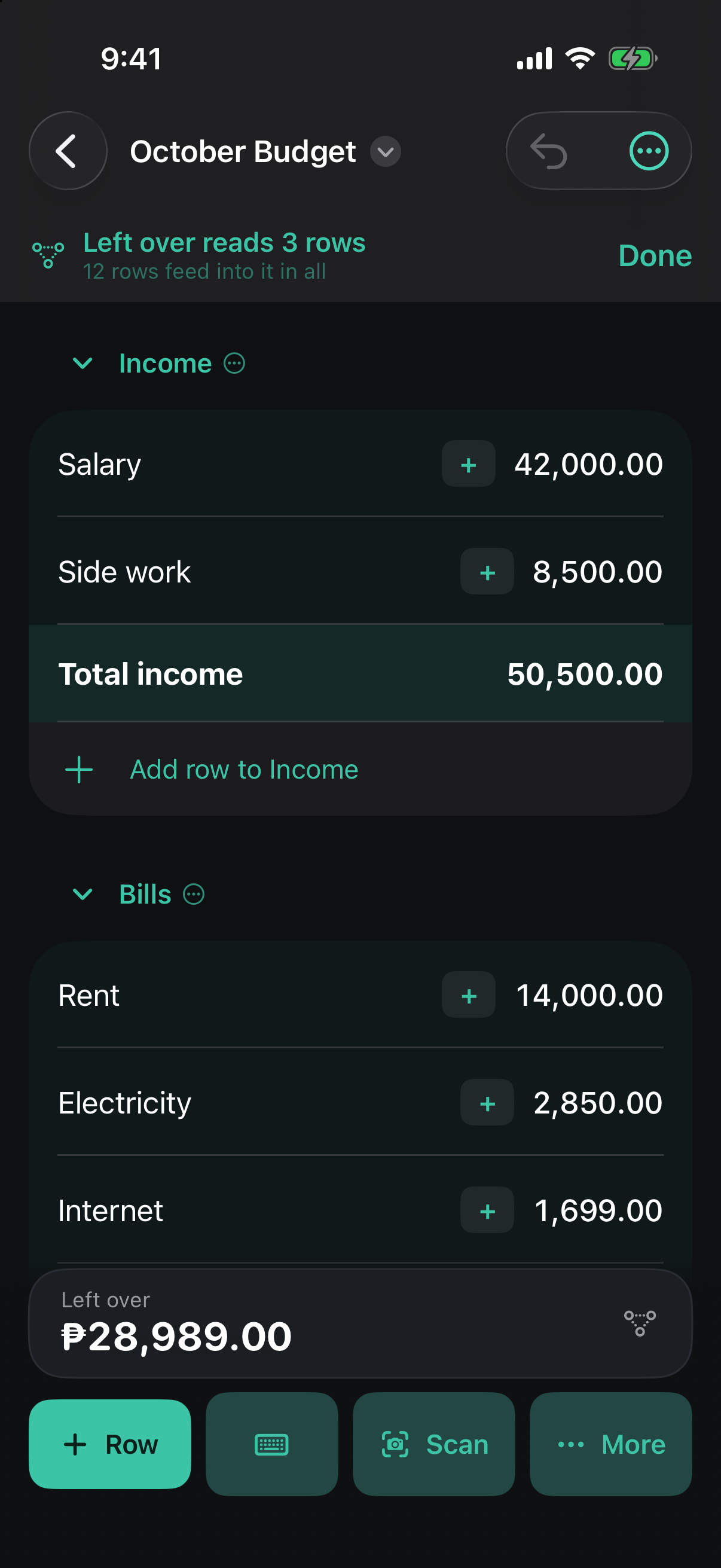
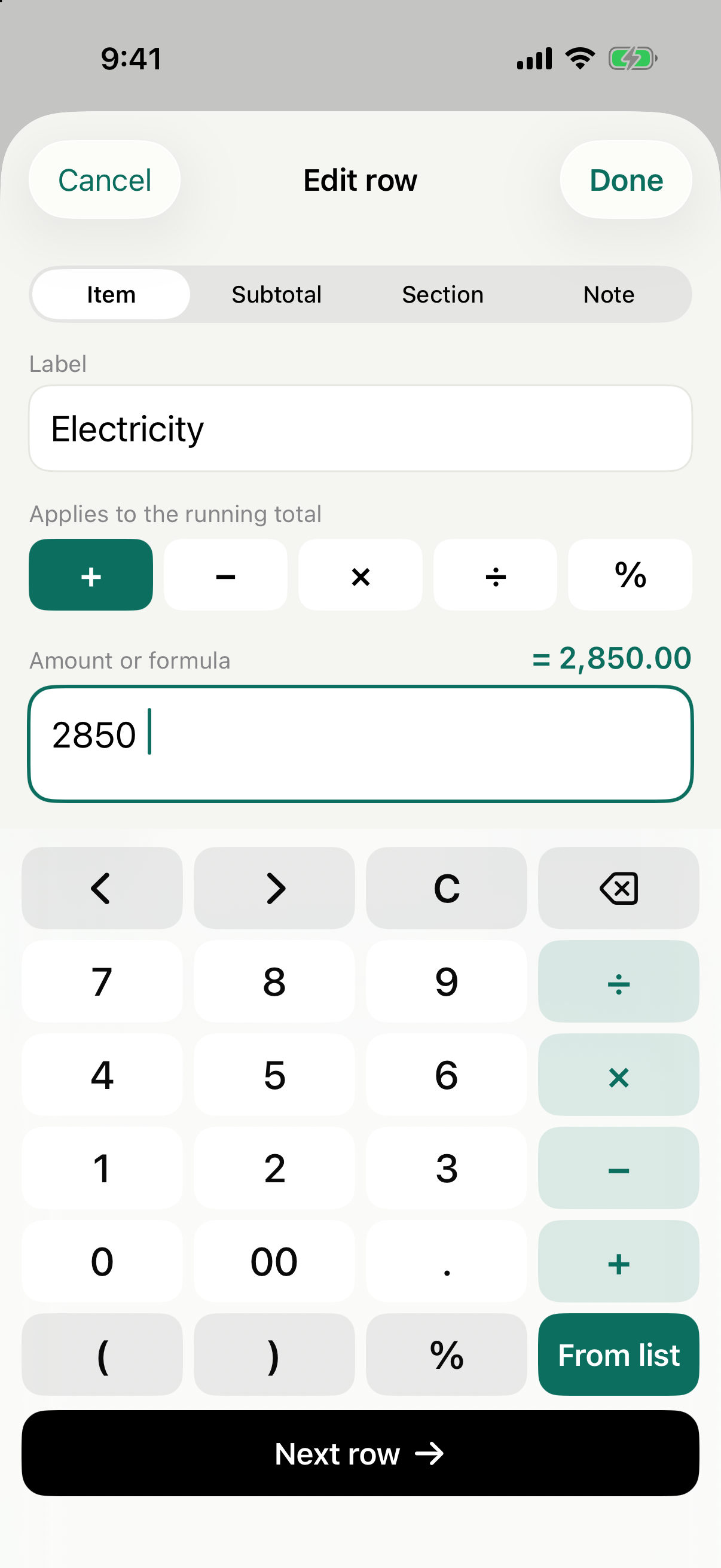
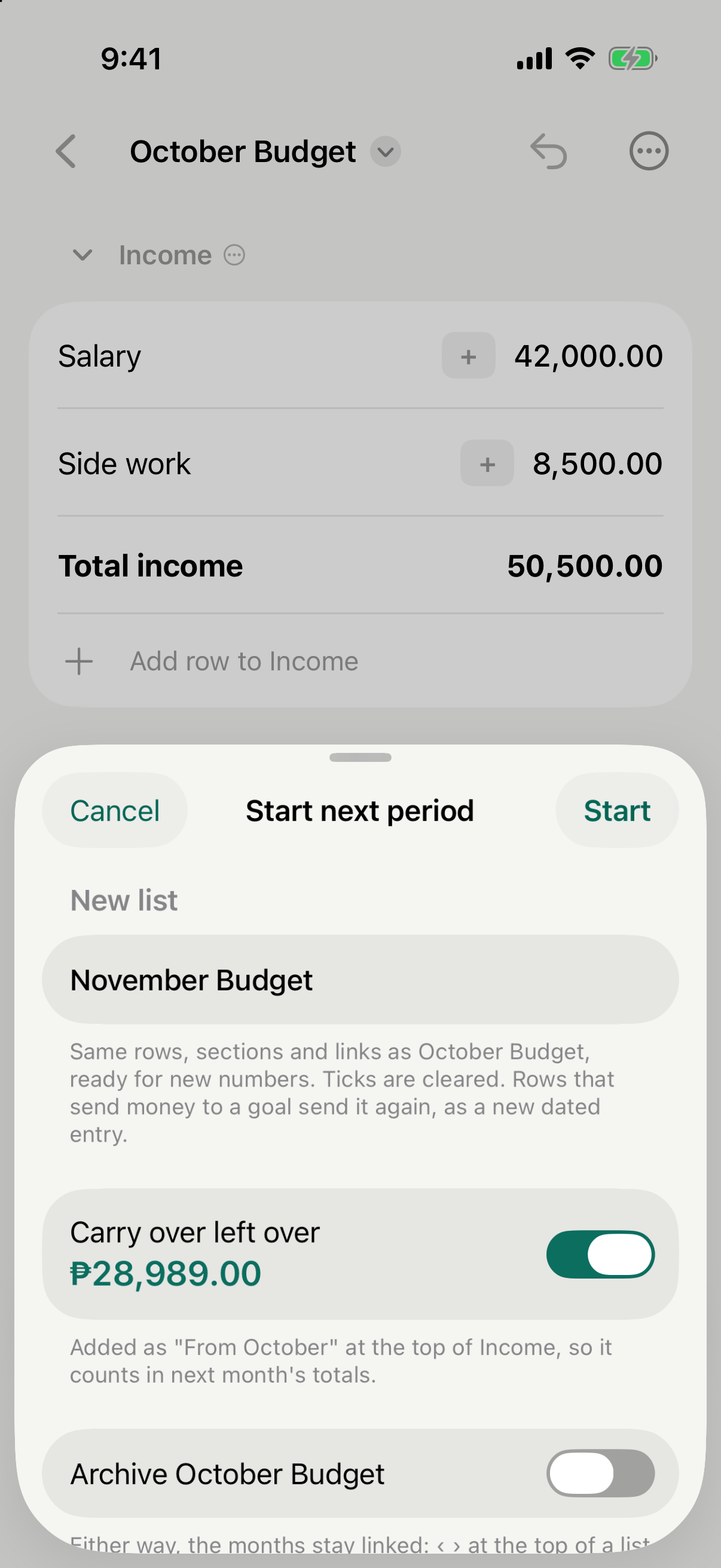
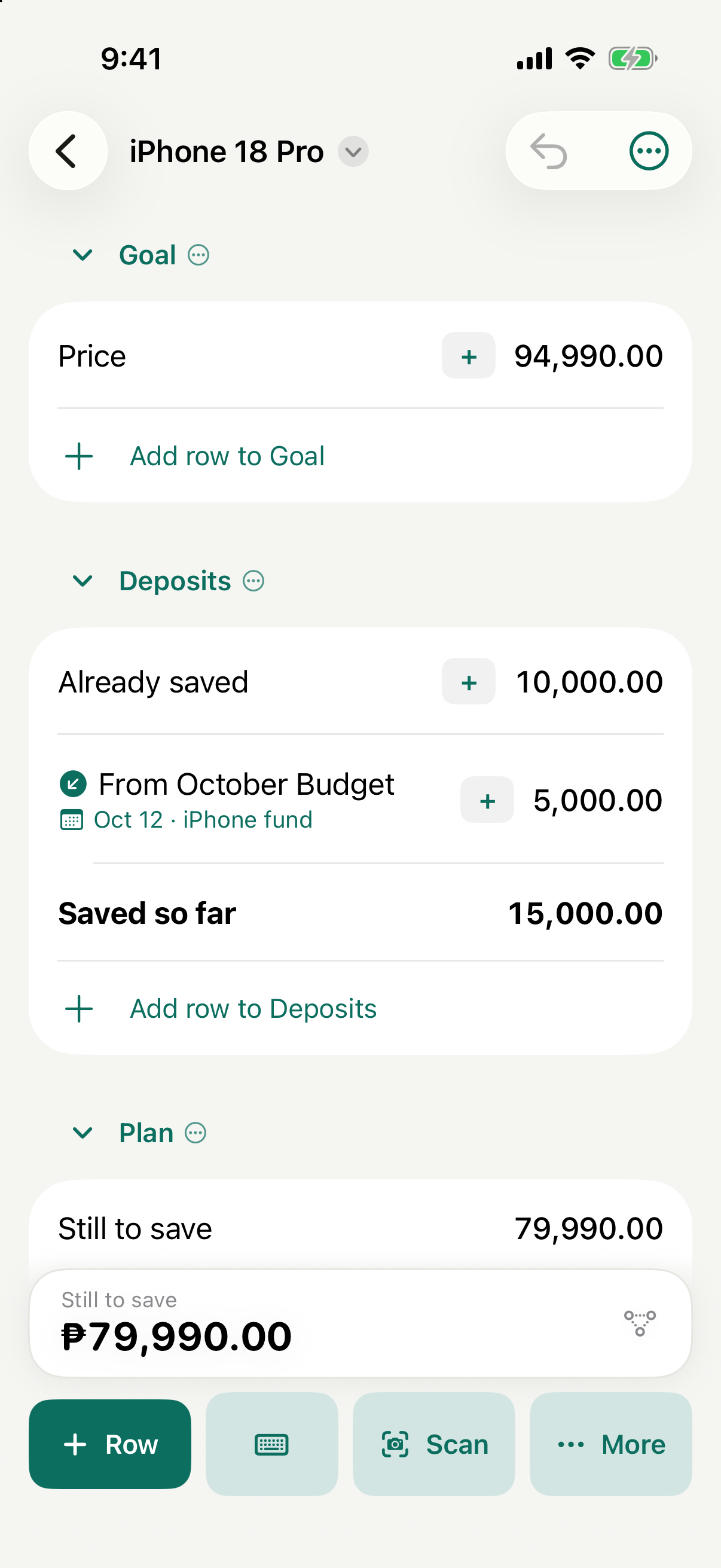
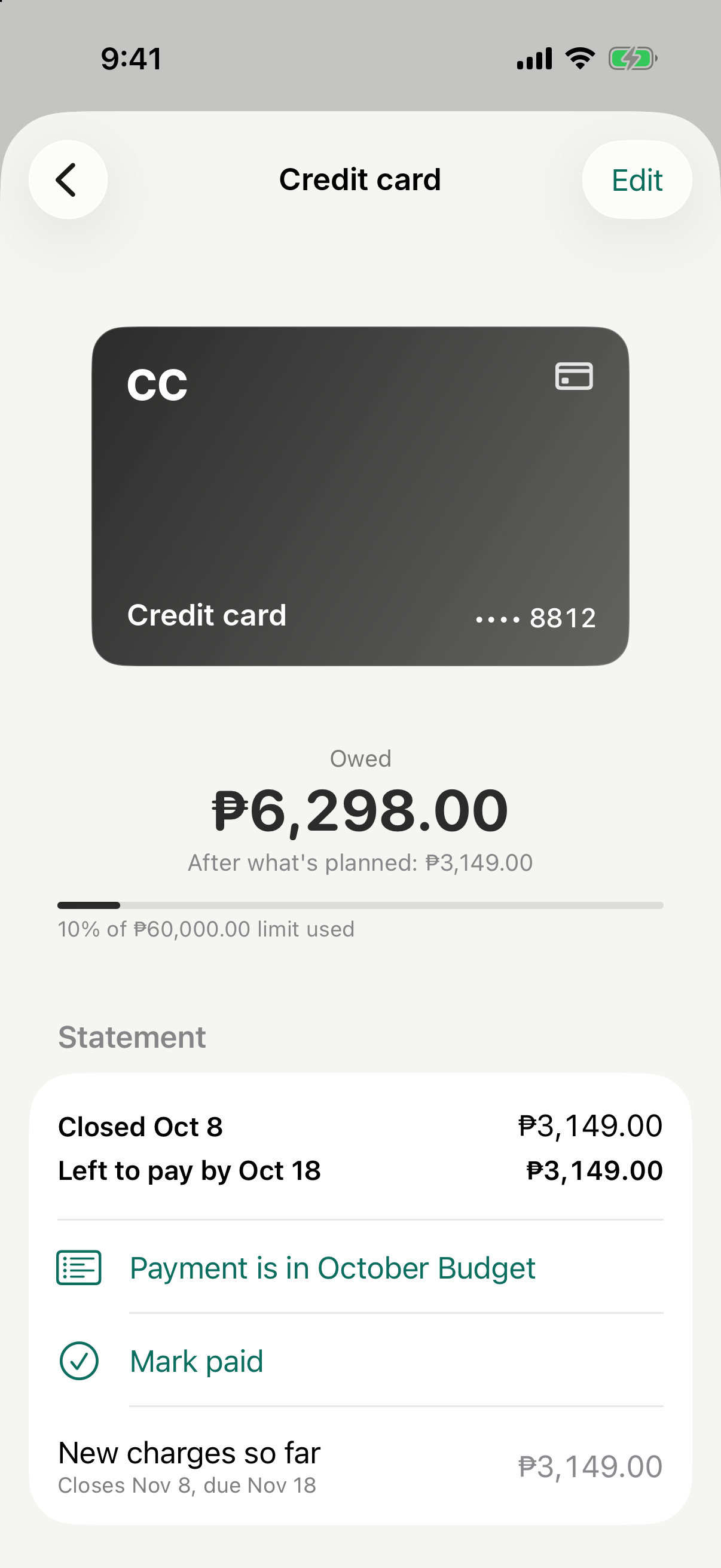
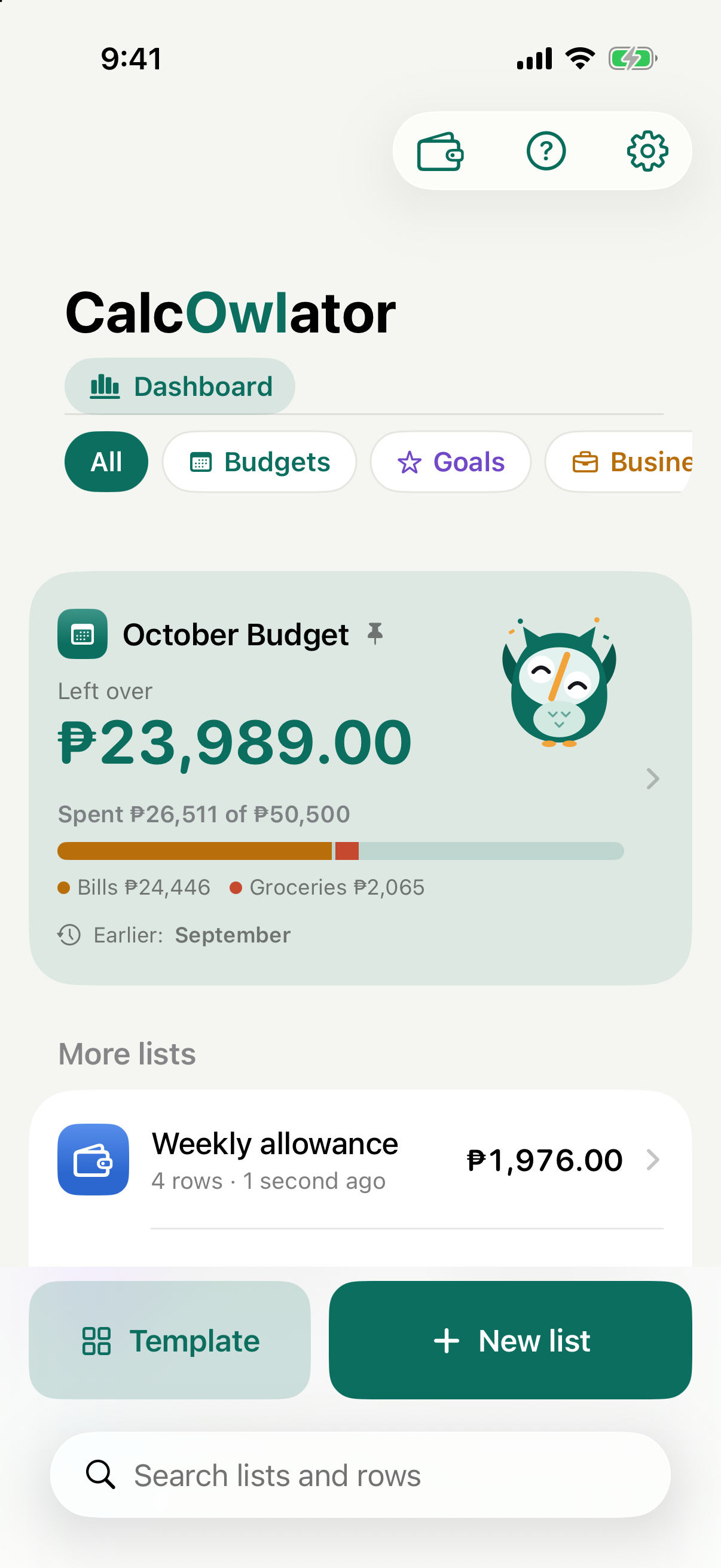
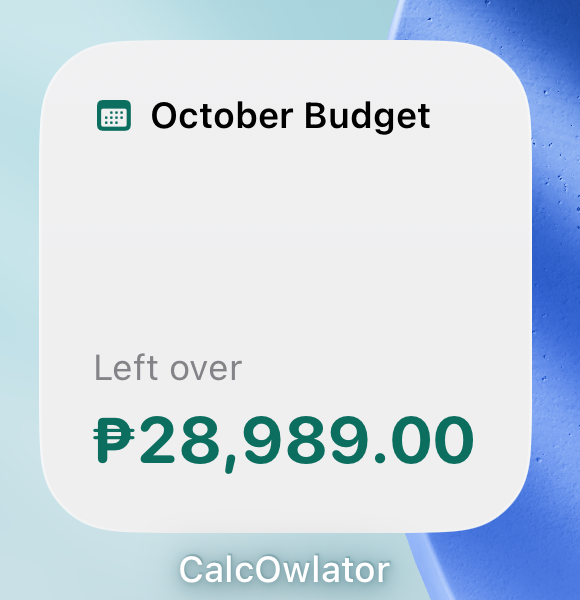
Screenshots come from the current build and use example amounts in pesos. Please don’t alter the icon or the owl, other than resizing.
Name and colours
Write the name as CalcOwlator, with a capital O. In the wordmark, “Owl” is set in teal.
- Teal
- #0B6E5F, the owl and the app’s accent
- Deep teal
- #08584C, wings
- Mint
- #E3F2EE, face and tints
- Amber
- #F2A33A, the beak slash and feet
- Ink
- #16181D, text